
Create Beautiful Interactive Books
Teachers create interactive books with dialogues, vocabulary, grammar, and exercises in a polished reading experience.
Everything you need to create
Purpose-built tools for language educators. No coding required.
Visual Block Editor
Drag-and-drop editor with custom blocks for dialogues, vocabulary cards, grammar rules, and more.
5 Exercise Types
Multiple choice, fill-the-gaps, matching, true/false, and inline choice exercises built right in.
Dialogues & Vocabulary
Structured dialogue blocks with speaker labels and vocabulary cards with translations and examples.
Beautiful Book Reader
Paginated reading experience with page-turn animations, adjustable zoom, and mobile scroll mode.
Share With Students
Publish examples publicly and share readable links while classroom access tools are behind the feature flag.
PDF Export
Export any book as a formatted PDF for printing or offline distribution.
How it works
From blank page to student-ready book in three steps.
Create
Start a new book from the editor dashboard. Set a title, author, and cover image.
Write
Add chapters with dialogues, vocabulary, grammar rules, and interactive exercises.
Share
Publish the book as an example and share the reader link when it is ready.
Simple Pricing
Create interactive books for free while paid billing remains disabled.
Beta Notice
Paginor is currently free during beta. Paid subscription checkout is disabled on this deployment.
View full pricing detailsFree Teacher
Current Beta$0/during beta
- 1 book
- 5 chapters per book
- All content block types
- Published examples
- Paid plan checkout
- PDF export
Learn and explore
Explore guides, docs, topics, educators, and product updates around interactive teaching books.
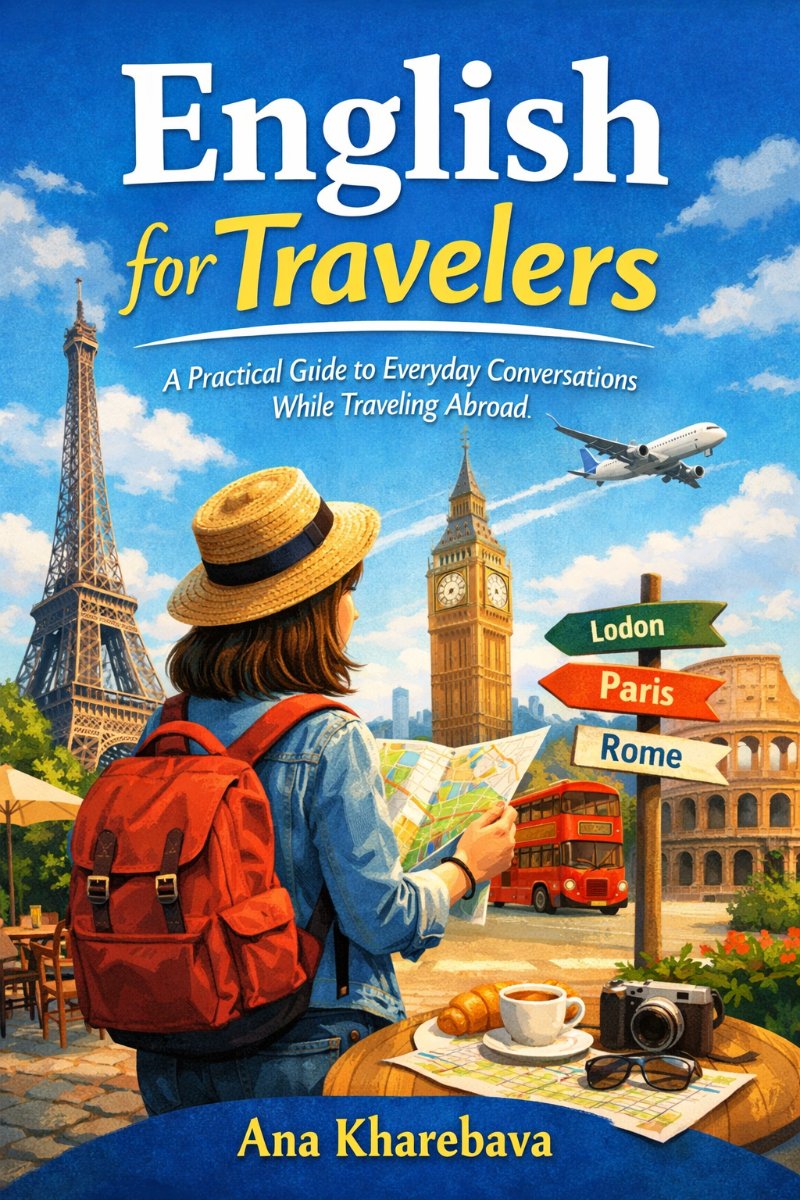
Example books
Explore sample books created with Paginor.
Ready to create your first book?
Join educators who are building interactive books that students love.